You can create custom actions in Quor using an OpenAPI 3.0 or 3.1 specification of an API. This enables your AI agents to interact with REST APIs and trigger workflows in external systems.
Include only the endpoints you want your agent to call in the OpenAPI spec. Remove any endpoints you don’t want the agent to access.

Setting Up Custom Actions

1

Navigate to the Actions Dashboard

Click your user profile icon and select Admin Panel, then click the OpenAPI Actions tab in the sidebar.
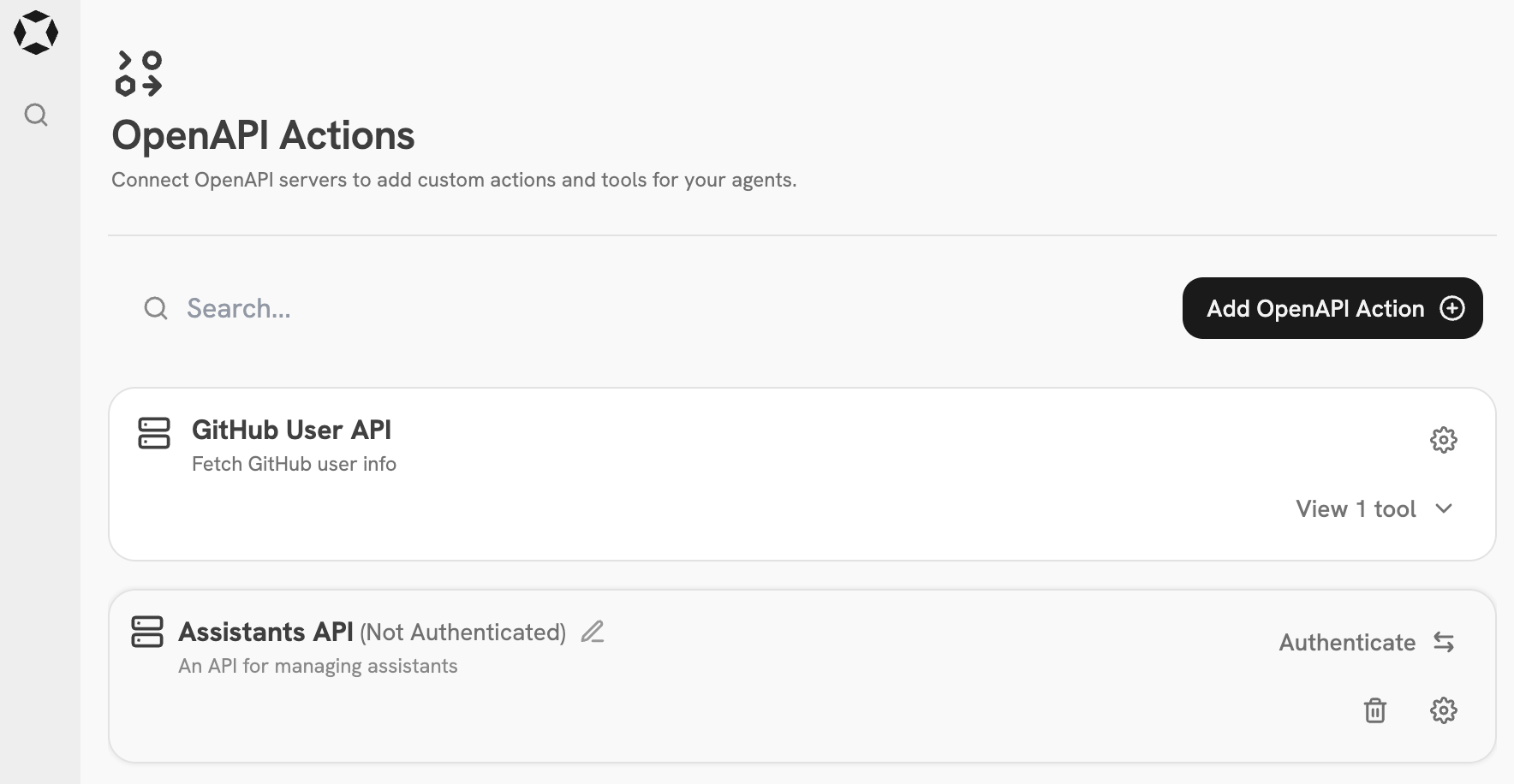
OpenAPI Actions tab in Quor Admin Panel sidebarOpenAPI Actions dashboard in Quor Admin Panel
2

Add an OpenAPI Action

Click the Add OpenAPI Action button.Paste your OpenAPI spec and configure any required authentication or headers.Add OpenAPI Action modal in Quor Admin Panel

Example

The below OpenAPI spec can be used to create a Custom Action for fetching and creating Agents in Quor.
OpenAPI